

Build a task management system with Claude and Todoist MCP + 1 Prompt to Build your own with Claude Code
Connect Claude to Todoist and turn your to-do list into a system that breaks down, schedules, and plans your work for you.

You’re reading Excellent AI Prompts.
AI prompt chains, agent skills, and agentic workflows for professionals learning to use AI to earn more, think sharper, and live better.
Copy them. Use them. Build with them.
The task management system that thinks ahead
You're drowning in tasks that multiply faster than you can check them off. Every productivity app promises to be "the one," but you end up spending more time organizing your to-do lists than actually doing the work. Meanwhile, your brain burns energy trying to remember what needs breaking down, what's urgent, and what you're probably forgetting entirely.
Transform your chaotic task list into an intelligent system that thinks, plans, and organizes for you.
What you need to know first
If you've never heard of these tools before, don't worry, most people haven't. Here's the simple breakdown:
Most of you are rather chummy with Claude. If you’re not, Claude is an AI assistant made by Anthropic. It’s a large language model like ChatGPT. Unlike web-based AI chat, Claude Desktop is an app that runs on your computer and can actually connect to your other software.
MCP (Model Context Protocol) is the open standard that lets AI assistants like Claude connect directly to your apps. Instead of copy-pasting between Claude and your to-do list, MCP creates a live connection. MCP was first introduced in late 2024 by Anthropic, it's now the industry norm and one of the easiest ways to use it is through ready-made "connectors" you just click to turn on. Think of it like USB for AI: one standard that plugs into everything.
Todoist is a task management app used by tens of millions of people worldwide. It organizes projects, sets due dates, and tracks progress. With the official Todoist connector, Claude can create and easily manage your Todoist tasks.
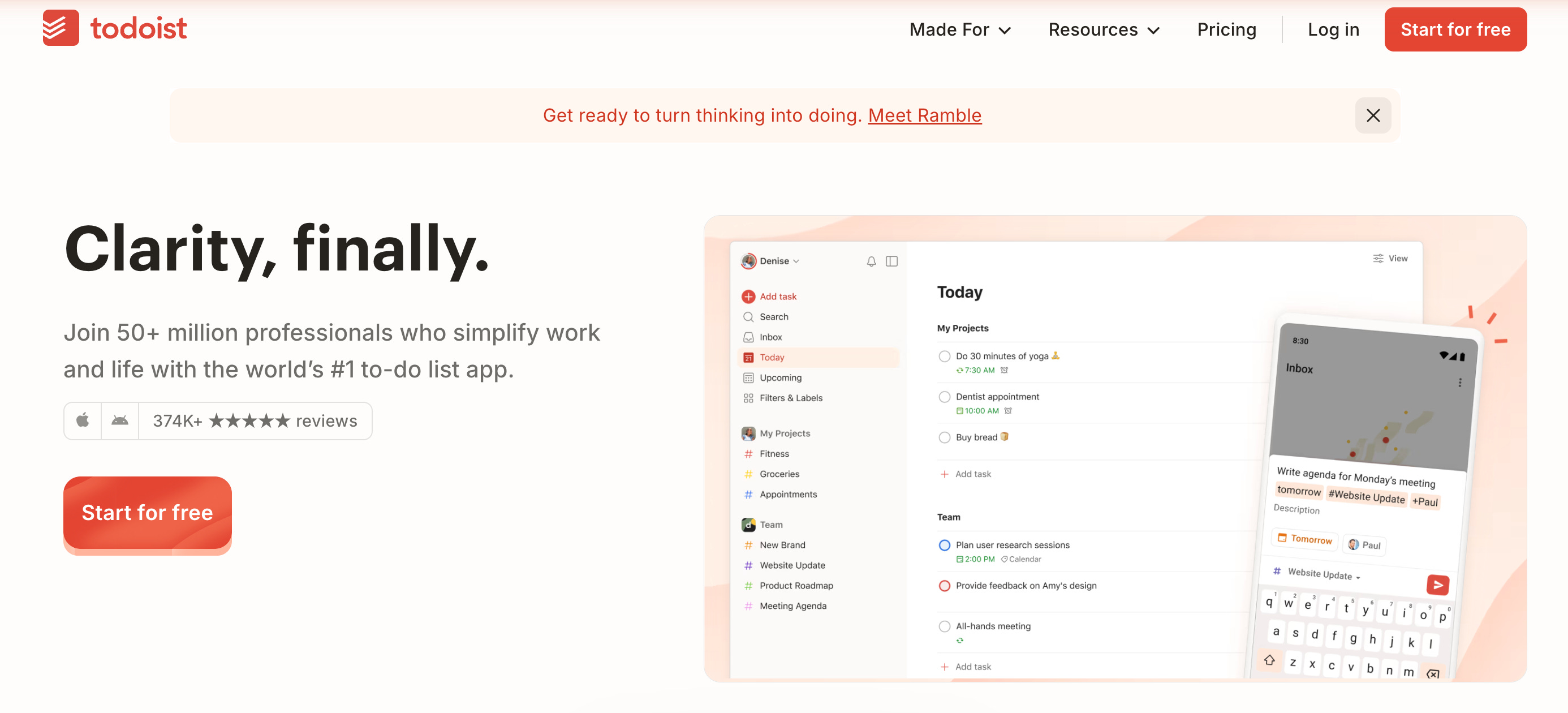
The Todoist connector for Claude turns your task list into an intelligent system. Instead of just storing your tasks, Claude actively processes them. It analyzes each task, applies the Kaizen method (breaking down anything longer than 30 minutes into smaller chunks), and creates detailed action plans with realistic time estimates, then writes them straight into Todoist for you.
This works better than traditional task management because AI handles the cognitive load of planning while you focus on execution.
The Setup
Create a free Todoist account and ensure you are logged in in the same browser as Claude
Step 1: Open Claude and add the Todoist connector (2 minutes)
Open Claude (claude.ai in your browser, or the desktop app, both work)
Start a new chat and click the + button near the message box
Choose "Add connector," then “Browse connectors,” find Todoist, and select it
Step 2: Authorize the connection (1 second)
Claude opens a secure Todoist sign-in window
Click "Allow" to connect
That's it: the connection is handled with secure OAuth behind the scenes
Step 3: Test it works (1 minute)
Can you see my Todoist projects? List them for me.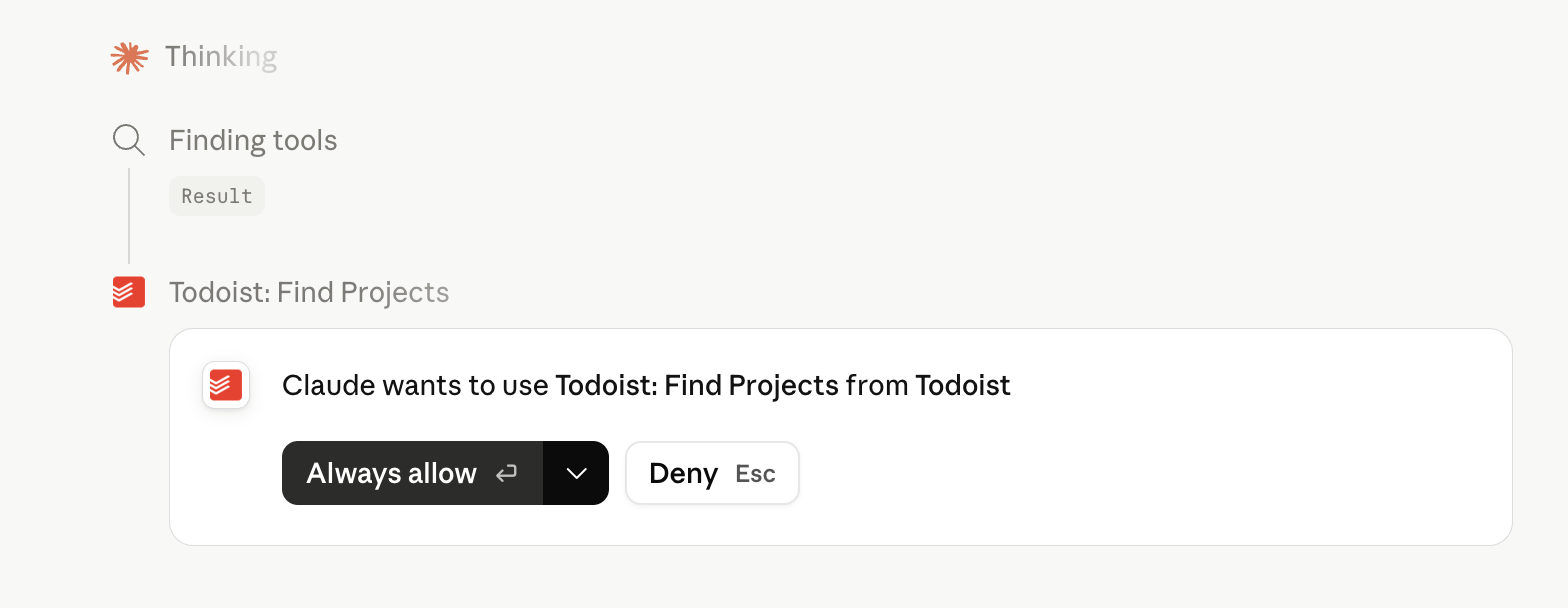
If Claude lists your projects, you're connected. If not:
Make sure you finished the "Allow" authorization step in Todoist ⬆️
Start a fresh chat so Claude picks up the new connector
Check that the connector shows as enabled under the + menu
Still stuck? See Todoist's "Use Todoist with Claude" help article
Total setup time: about 1-5 minutes, mostly just clicking "Allow."
The Prompt
